
JASP: Who Is This Free Statistical Software For?
JASP reduces operational barriers, but an easy interface does not replace understanding design, assumptions, and interpretation.
JASP is free, open-source, cross-platform software supporting many frequentist and Bayesian analyses. Download it from the official site, save .jasp files, and record versions/modules for reproducibility (JASP, n.d.).
Choose software for the analysis you need
- Research task
Define the model and required output
- Capabilities
Check the required functions
- Limitations
Check assumptions and file formats
- Practice
Run a verifiable example
Conceptual diagram. Matching analysis names do not guarantee identical settings or results.
Source: Lê Minh · Conceptual illustration, not software output.1. What Does JASP Provide?
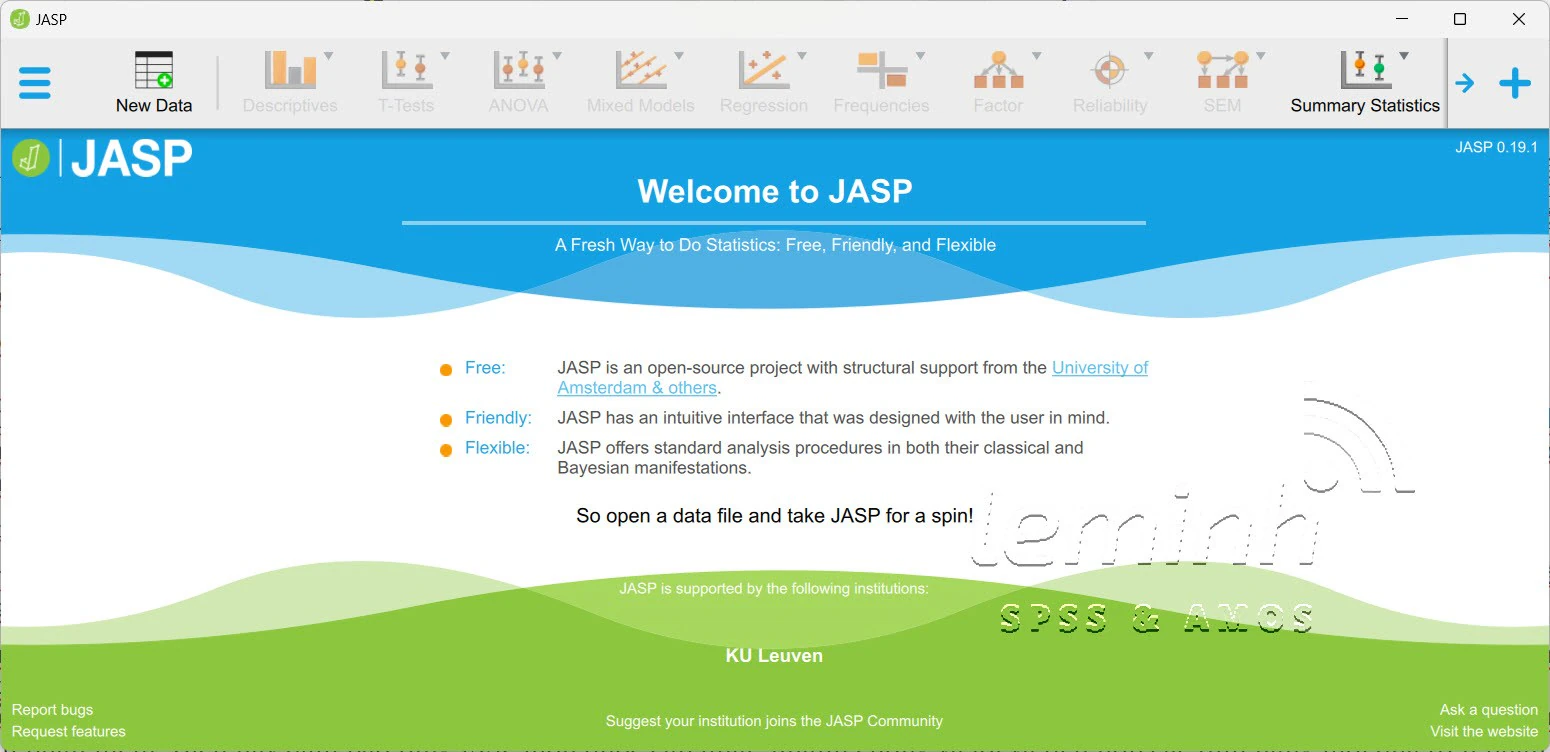
JASP provides a graphical interface for many descriptive analyses, tests, regressions, ANOVAs, factor analyses, and Bayesian analyses. Results update when options change and can be saved with the project.
The software is open-source and freely distributed. Modules change by version, so check Features and Release Notes rather than relying on a fixed list.
| Need | Suitability |
|---|---|
| Learning basic statistics | High: clear interface and immediate output |
| Introductory Bayesian analysis | High: many integrated analyses |
| Completely code-based workflows | More limited than R |
| Highly specialized models | Check modules or use another tool |
2. Getting Started Safely
Download from the official site
Choose the correct operating system; avoid mirrors or repackaged installers.
Standardize data
Maintain a codebook, clear variable names, and explicit missing-data definitions.
Check variable types
Verify nominal, ordinal, or scale measurement before analysis.
Choose analyses according to the question
Do not select a method merely because it appears in a menu.
Save the project
Save the .jasp file, de-identified source data, and version.
3. Limitations and User Responsibilities
Defaults help users start quickly but do not suit every design. Users must still assess independence, measurement scales, missing data, outliers, assumptions, and effect sizes.
When using new modules or beta features, read release notes and check important results using simulated data, R, or other software where necessary.
Check storage policies and online features. For sensitive data, prioritize local processing under ethical approval and organizational policies.
4. A Methods-Reporting Template
Example report
Analyses were performed using JASP version [ ], module [ ]. Data and variable types were checked using [workflow]. The study reported [estimates/effect sizes/CIs/Bayes factors] alongside assumptions and analysis options.
- Download from jasp-stats.org.
- Record the version and modules.
- Check variable types.
- Report effects and uncertainty.
- Save the .jasp project.
- Cross-check new features when results are important.
Conclusion
JASP is a strong choice for learning and many applied analyses because it is free, intuitive, and supports Bayesian methods. The value of its output still depends on the question and methodological decisions.
References
- JASP. (n.d.). Features.https://jasp-stats.org/features/
- JASP. (n.d.). Download.https://jasp-stats.org/download/
- JASP. (n.d.). Validation.https://jasp-stats.org/validation/
Academic note: Features change by version; check official documentation at the time of analysis.